The Ultimate On-Page SEO Checklist for 2025


SEO keeps changing every year, and it's getting harder to keep up with everything you need to do — from optimizing for Google to making sure your site actually feels good to use. With so many details to pay attention to, it's totally normal to feel unsure about where to begin.
That's exactly why I put together this on-page SEO checklist. Whether you've been doing SEO for years or you're just starting out, this guide walks you through the essentials step by step. It'll help you improve visibility, bring in more organic traffic, and hopefully turn more visitors into customers.
Ready to get started? Let's jump in!
Step1: Understanding Keyword Strategy and Search Intent
Aligning Content with User Intent
People type things into Google for different reasons. Some just want to learn something new. Others already know what they want and are ready to buy. A good page matches exactly what the searcher needs at that moment.
Picture this: a mom searches “what is SEO” because she heard the word at a business meeting. She's still curious. Now imagine a shop owner typing “best SEO agency near me” at 8 p.m. because his sales dropped last month. That guy is ready to hire someone tomorrow.
That's why we split keywords into three simple groups:
- Learning stage: “What is SEO marketing?”, “How does SEO work?”
- Shopping-around stage: “Top SEO services in 2025”, “SEO or PPC for online stores”
- Ready-to-buy stage: “Cheap SEO company in London”, “Hire SEO expert today”
Long phrases like “SEO help for small shops in Texas” bring fewer visitors, but those visitors usually call or fill out the contact form the same day.
Conducting Effective Keyword Research
Everything starts with finding the right words. Free and paid tools such as Google Keyword Planner, Ahrefs, and SEMrush tell you how many people search a word each month and how hard it is to rank.
I personally open ten competitor pages that already rank in the top spots. I write down every question they answer. Whatever they missed, I cover on my own page. Works every time.
Don't just chase the exact same words. Google is smart now. When someone looks for “SEO services,” it also understands pages that talk about “get found on Google,” “rank higher,” or “bring more website visitors.”
Step2: Crafting SEO-Friendly URL Structures
Characteristics of an Optimized URL
Good URLs are short and make sense when you read them out loud. Example of a clean one: https://www.ragseo.ai/seo-services-for-ecommerce
Bad example full of numbers and letters: https://www.ragseo.ai/index.php?id=123&category=45
Put the main words in the web address, use dashes between words, and keep everything lowercase.
Avoiding Common URL Mistakes
Try not to use question marks and long codes unless the shop software forces you. Also drop small words like “and,” “or,” “the” – they just make the link longer for no reason.
 Step3: Title Tag Optimization Techniques
Writing Effective SEO Titles
The blue headline people see in Google is still super important. Put the most important words near the start. Good title: “SEO Services for Small Businesses | Friendly Expert Help”
Keep it under 60 letters and spaces so nothing gets cut off. Words like “Best,” “2025,” “Near Me,” or “Free Audit” make people more likely to click.
Common Pitfalls in Title Tags
Never copy the same title to ten different pages. Google gets confused and may pick the wrong one to show. Also, stuffing five keywords into one title looks terrible and can get you in trouble.
Step4: Enhancing Meta Descriptions for Visibility and CTR
Best Practices for Writing Meta Descriptions
The short text under the blue link is your free ad. Write 150–160 characters that explain exactly what the visitor will find. Add the main keyword once so it shows in bold when someone searches it. End with “Call now,” “Get your free report,” or “See pricing.”
How Meta Descriptions Impact SEO Performance
When the little description matches the page, people land on, they stay longer. Longer visits tell Google the page is helpful, and your ranking slowly climbs.
Step5: Structuring Headers from H1 to H3 for Clarity and SEO Value
Importance of Proper Header Hierarchy
Use only one big H1 title – usually the same as your page title. Then break the rest into H2 sections and smaller H3 points. It looks tidy and Google loves the clear order.
Improving Accessibility and Crawling with Headers
People who use screen readers jump from heading to heading. When yours are neat, they have a better time. Google bots do the same thing – clean headings help them understand the page faster.
Step6: Creating High-Quality Page Content That Ranks and Converts
Elements of Valuable On-Site Content
Write helpful stuff that actually answers questions. No fluffy sentences just to fill space. Short paragraphs, bullet lists, and pictures keep readers happy. I aim for language an average 13-year-old can understand without stopping.
Incorporating Keywords Naturally into Content
Say the main phrase once or twice in the first few lines, once in a heading, and a couple more times lower down. Then talk about related things: costs, time frames, real client results, common mistakes – whatever your visitor cares about next.
Step7: Optimizing Images and Media for Performance and SEO Value
Image Optimization Techniques
Big photos make pages load slowly. Everyone hates waiting. I run every picture through TinyPNG – it cuts file size in half with no visible difference. Save new images as WebP whenever possible. Add alt text that describes what's in the picture and slip the keyword in if it fits naturally.
Enhancing Media Engagement
Turn on lazy loading in WordPress or with one line of code. Pictures only download when the person scrolls down to them. For videos, upload to YouTube first, then embed. Your own server stays fast.
Step8: Building an Effective Internal Linking Strategy
Benefits of Internal Links for SEO and UX
Links inside your own site help Google find new pages and spread “ranking power” around. They also keep visitors clicking to the next article instead of leaving. One client added just six smart internal links and saw average visit time jump from 1 minute 20 seconds to almost 4 minutes.
Best Practices for Internal Linking Structure
Use real words in the clickable text: “how to choose an SEO company” instead of “read more.” Three to seven links per page is usually perfect.
Step9: Using Outbound Links Strategically (Optional)
When Outbound Links Add Value
Linking to trustworthy places like Google's official blog or well-known tools shows you know your stuff. Always open those links in a new tab so people can come straight back.
Step10: Technical On-page Optimization Essentials
Key HTML Elements That Influence SEO
Canonical tags fix duplicate page problems. Hreflang tags make sure Spanish speakers see the Spanish version. Simple tags, big results.
Managing Crawlability Through Robots.txt & Meta Tags
Put “noindex” on thank-you pages and login pages. Check robots.txt twice a year – one wrong line can hide your whole site from Google by mistake.
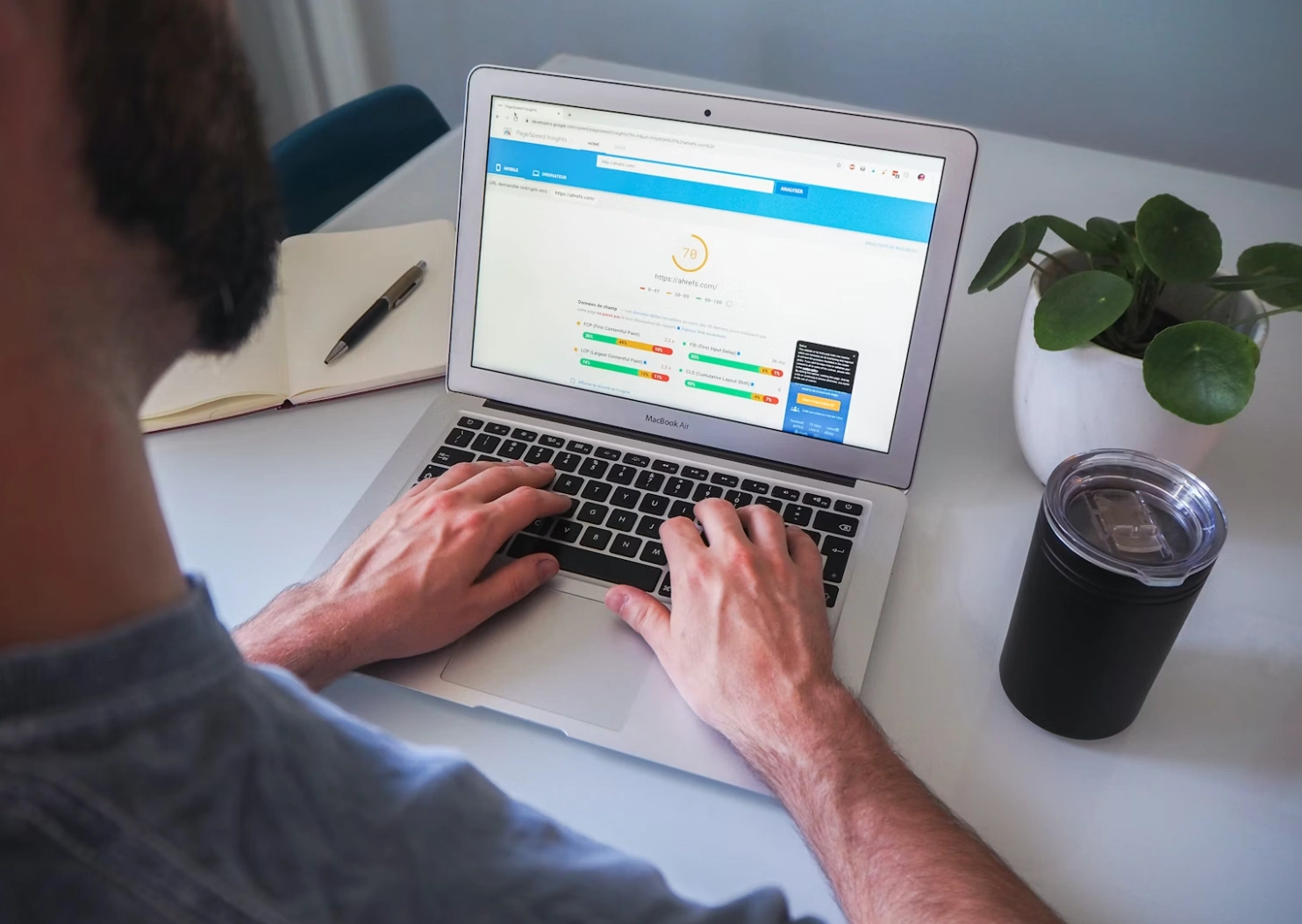 Step11: Enhancing Page Speed & Core Web Vitals Performance
Core Metrics That Matter in 2025
Largest Contentful Paint (LCP)
Try to load the main content in under 2.5 seconds. Fast hosting + image compression + caching usually gets the job done.
First Input Delay (FID)
People should be able to click or type within 100 milliseconds. Remove heavy scripts that run before the page shows.
Cumulative Layout Shift (CLS)
Stop things from jumping around while the page loads. Reserve empty boxes for ads and images from the beginning.
Step12: Ensuring Mobile-Friendliness & Optimizing UX Design
Mobile Optimization Priorities
Test every new page on a real phone. Buttons must be big enough to tap with a thumb. No giant pop-ups that cover the whole screen.
Improving User Experience Across Devices
Same menu, same buttons, same colors on desktop and phone. Big text, lots of white space, fast loading – happy visitors on every screen size.
Step13: Leveraging Conversion Rate Optimization (CRO) Principles
Aligning SEO Goals with Business Objectives
Traffic is nice, but phone calls and form fills pay the bills. Put one clear button above the fold and another at the bottom. “Get My Free SEO Audit” works better than just “Submit.”
A/B Testing Key Page Elements
Change one thing at a time – headline, button color, picture – and watch which version gets more clicks or leads. Small changes sometimes double results.
Step14: Implementing Structured Data Through Schema Markup
Types of Schema Relevant for On-page SEO
Article / BlogPost Schema
Add the little code that tells Google the author name and publish date. Many times the post then shows a nice picture and star rating in search results.
Product / Review Schema
E-commerce pages with price and star ratings in Google get way more clicks – sometimes 20–30% more.
FAQ / HowTo Schema
Mark up questions and answers. Google often shows them as expandable boxes right under your link. One extra question can take up half the first page of results.
 Step15: Indexing & Monitoring Your On-page Efforts
Ensuring Pages Are Properly Indexed by Search Engines
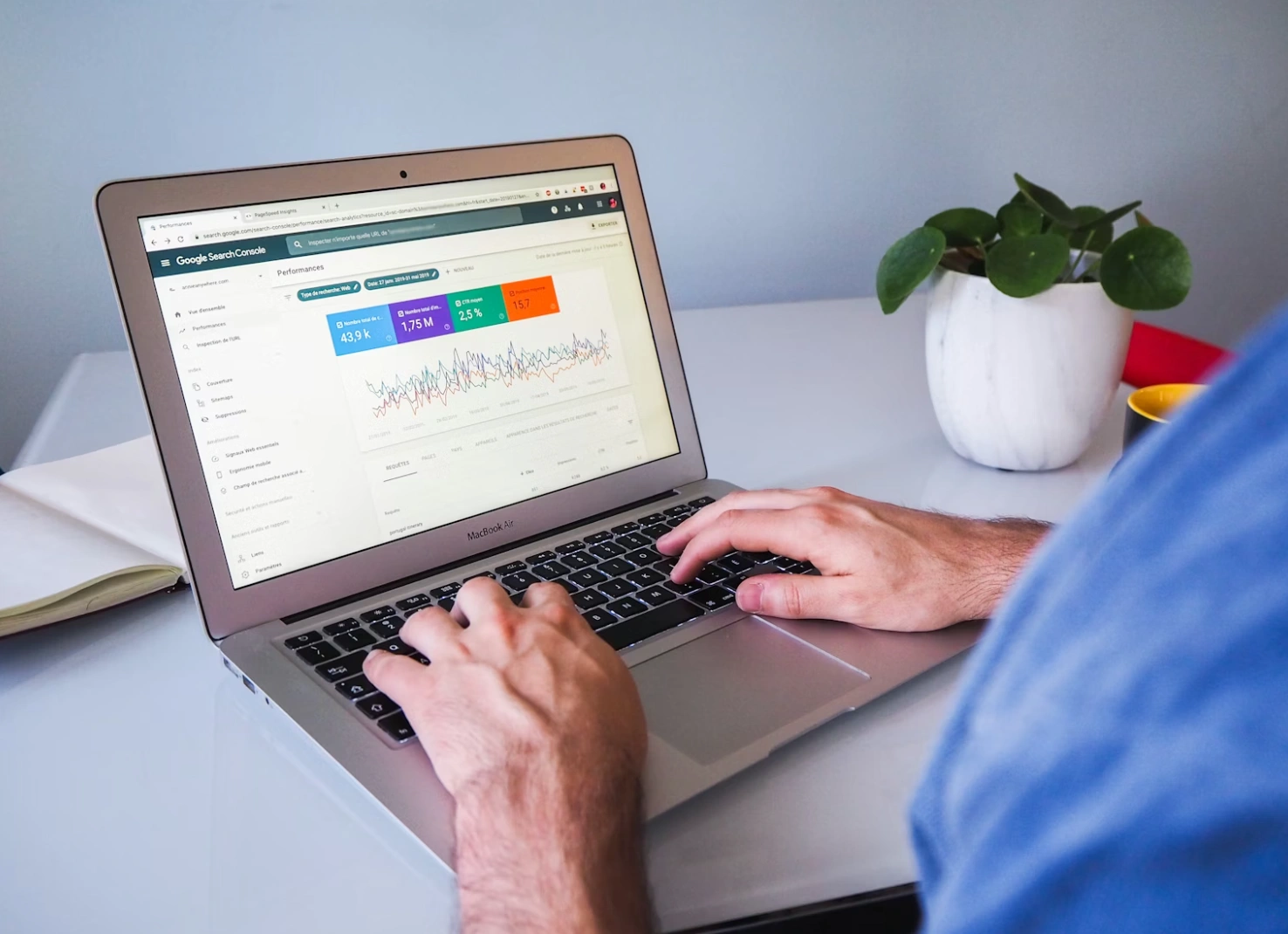
After big changes, upload the new sitemap in Google Search Console. Once a month type “site:yourdomain.com” in Google to see if everything is still there.
Monitoring Performance Through Analytics Tools
Watch rankings in Ahrefs or SEMrush every week. Open Google Analytics 4 to see which pages make people stay longest and which ones they leave in five seconds. Fix the weak pages first.
Ready to put all of this into action without spending months learning every detail yourself? The team at RAGSEO.AI has done this for hundreds of shops, local businesses, and online stores around the world. Drop by RAGSEO.AI today, tell us about your website, and we'll show you exactly what to fix first!